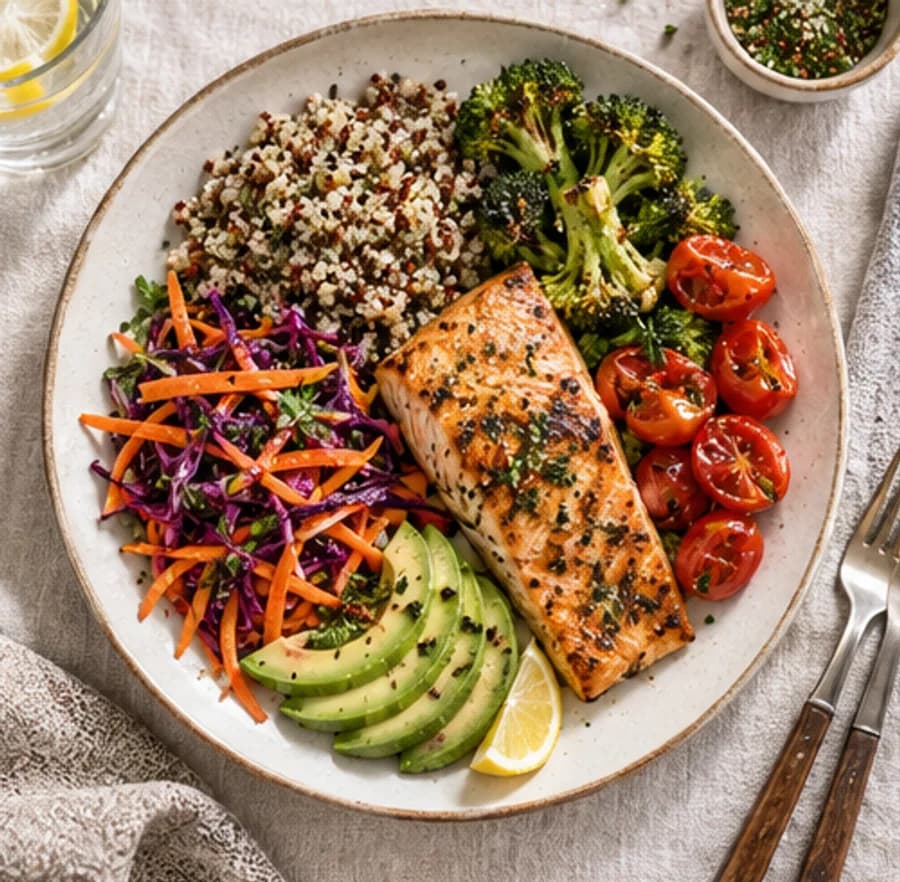
Capture the whole meal
Include sides, drinks and toppings for a fuller meal estimate.
Meet BiteCal, an upcoming AI calorie tracker for everyday meals. Preview photo estimates for calories, protein, carbs and fat, and try our free website calculators today.
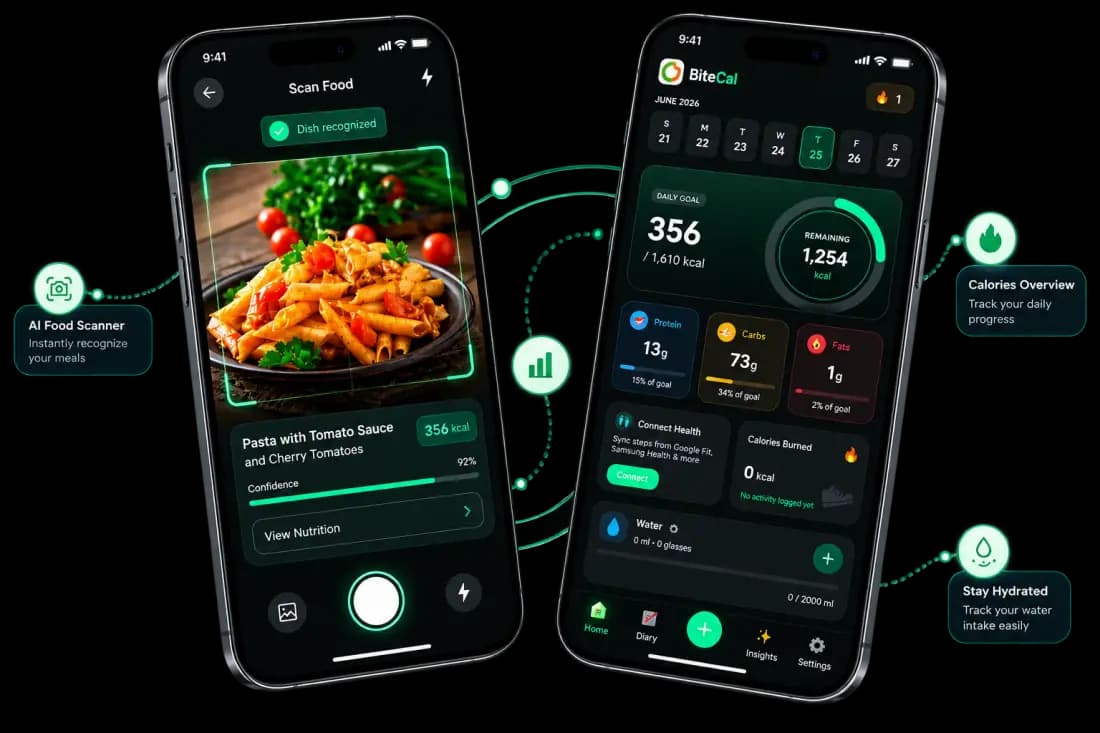
Food logging can feel repetitive when every meal means another search. A useful routine should make it easier to record what you ate and check the details that matter.
Start with a photo, then review the foods and portions. BiteCal is being built to make that routine easier.
Preview the upcoming app workflow: photograph, review and log. Learn more about how AI calorie tracking works.
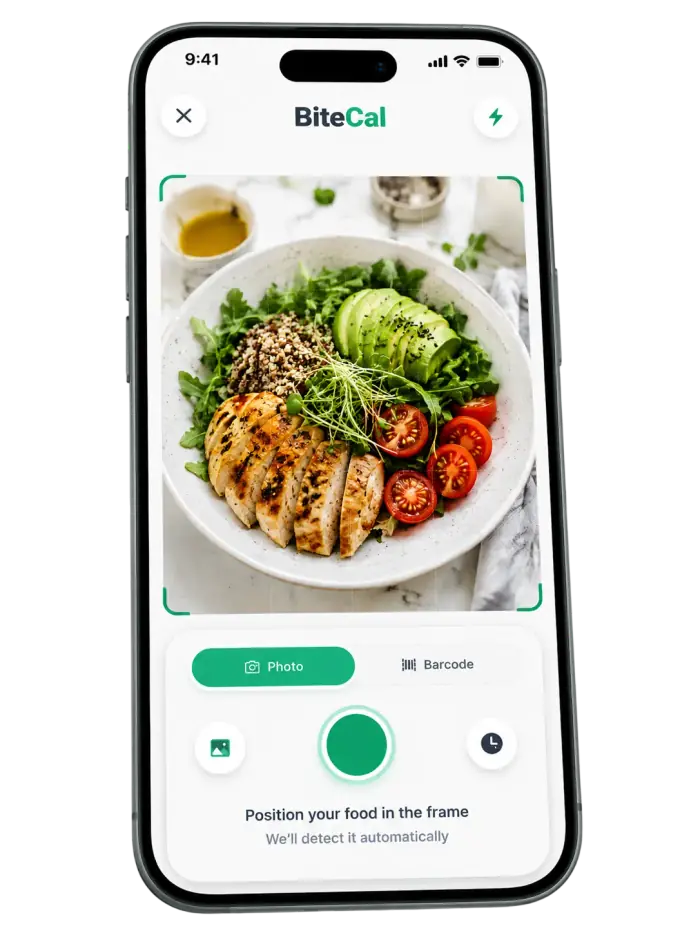
Works on home-cooked meals, restaurant dishes, packaged food, and drinks.
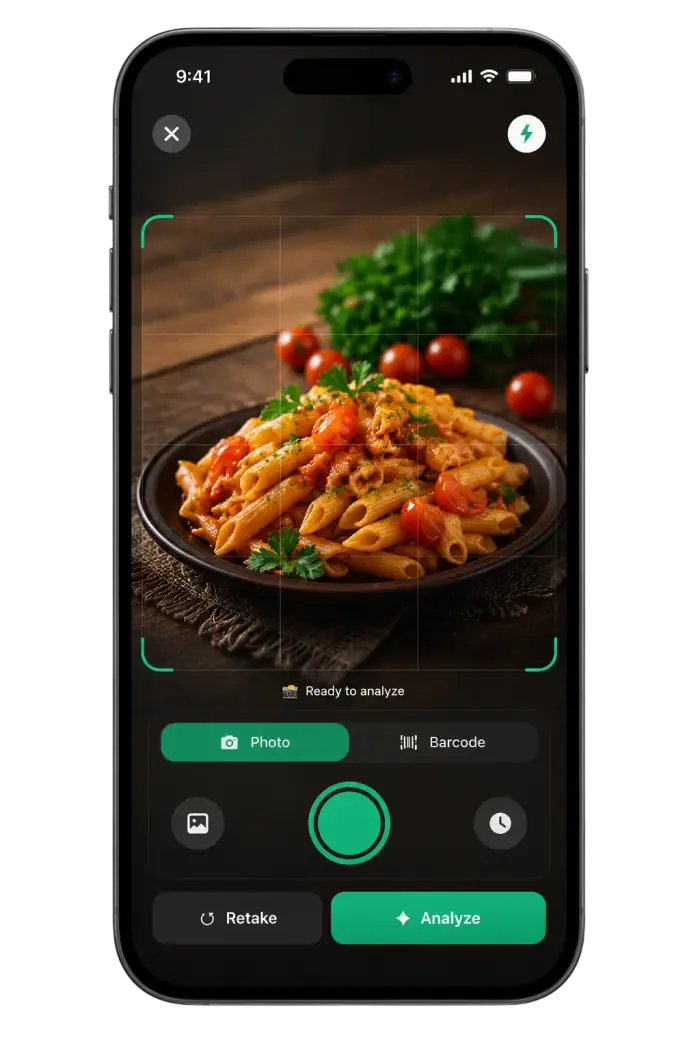
The AI food scanner estimates calories, protein, carbs and fat from your photo. Check the foods and portion sizes before saving.
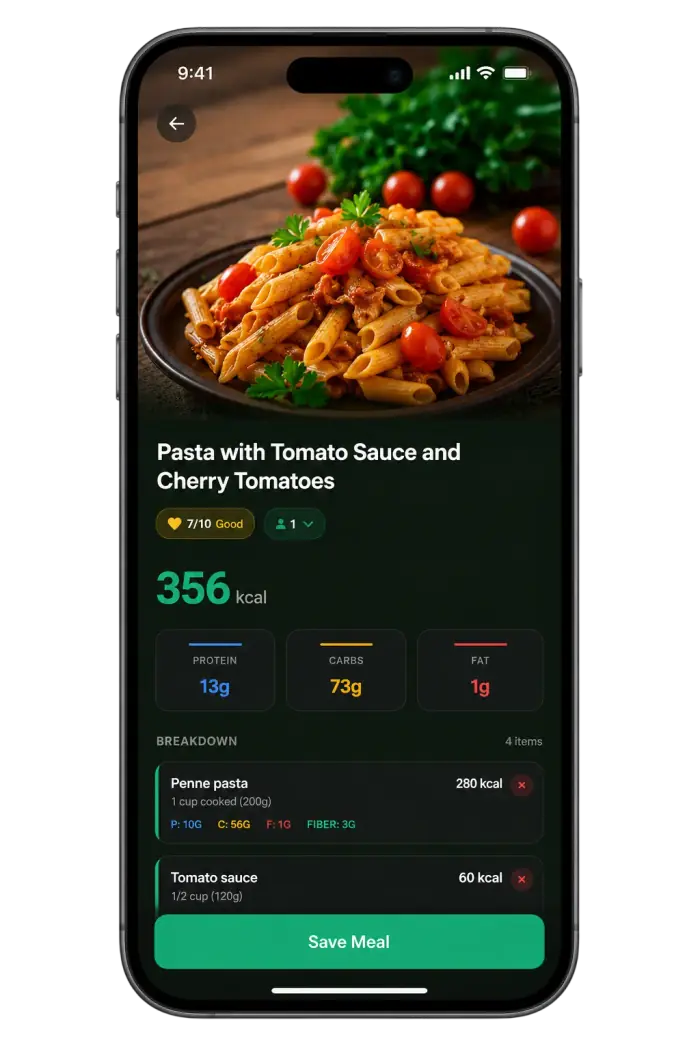
Log meals in your daily dashboard. Follow your calorie target, macro balance and weekly trends in one place.
A clear meal photo is a starting point. Check the portion, then include drinks, dressings and cooking oil in your food log.
BiteCal food-logging tip
Keep meal photos, daily macros and progress together. Start with the protein calculator to explore your daily target.
Use AI food scanning to estimate meal calories without searching for every ingredient. Track home cooking, restaurant meals and dishes from different cuisines, then review the portions.
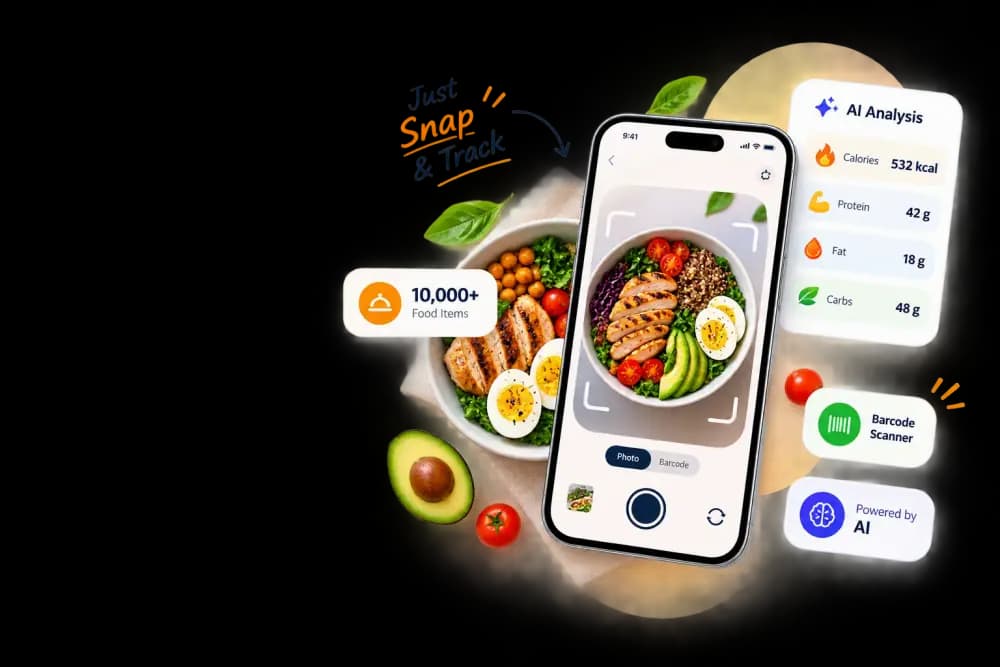
Follow daily protein, carb and fat targets alongside your calorie goal. The macro tracker brings your logged meals together so you can see how your day adds up.
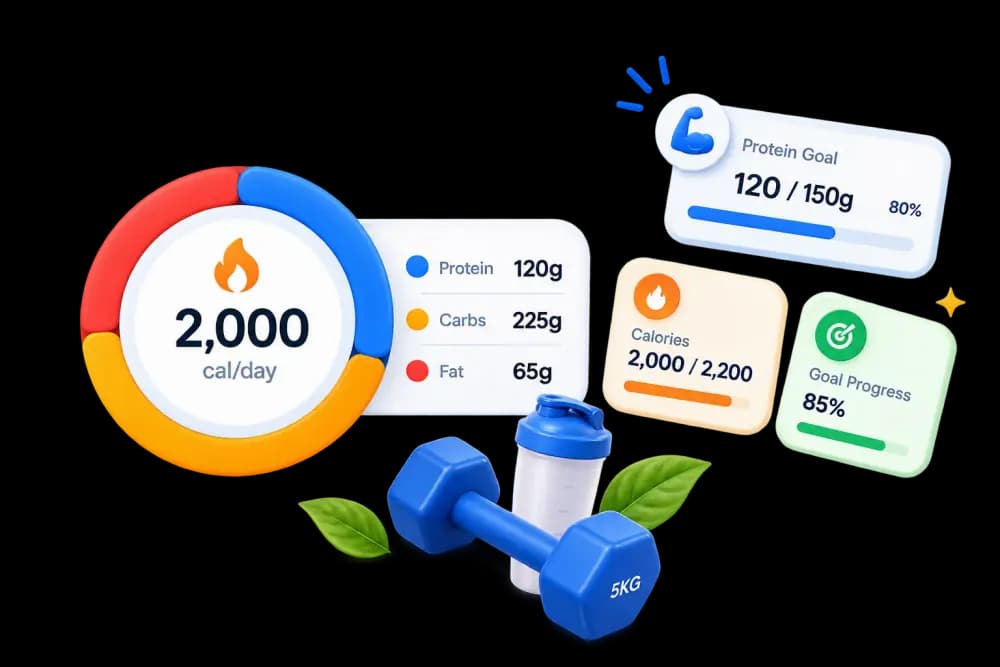
Weekly trends, streak tracking, and goal progress in one glance. Visual feedback that makes healthy days feel rewarding.
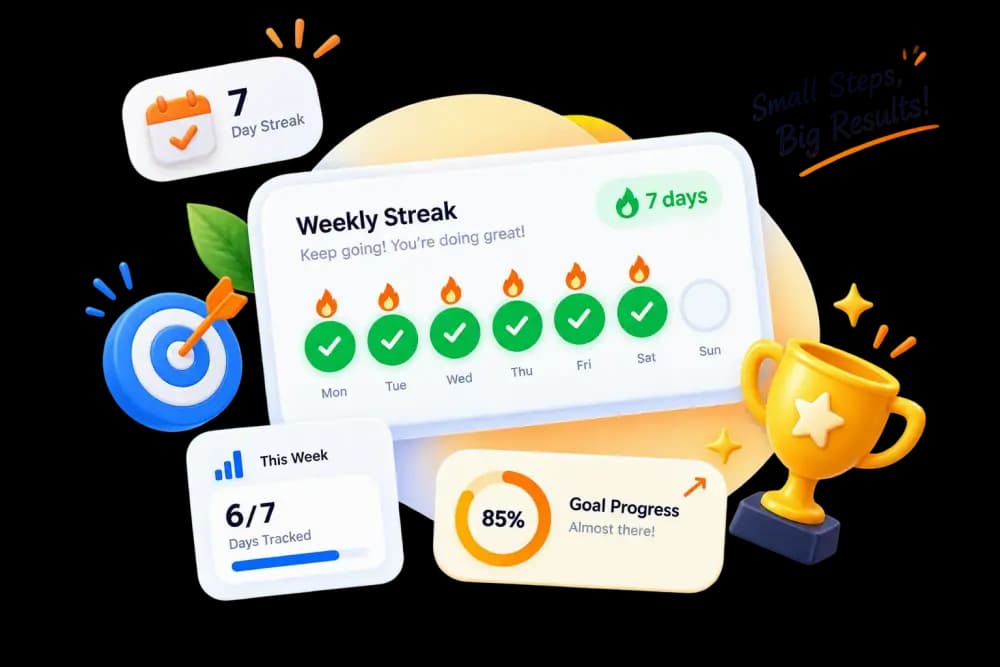
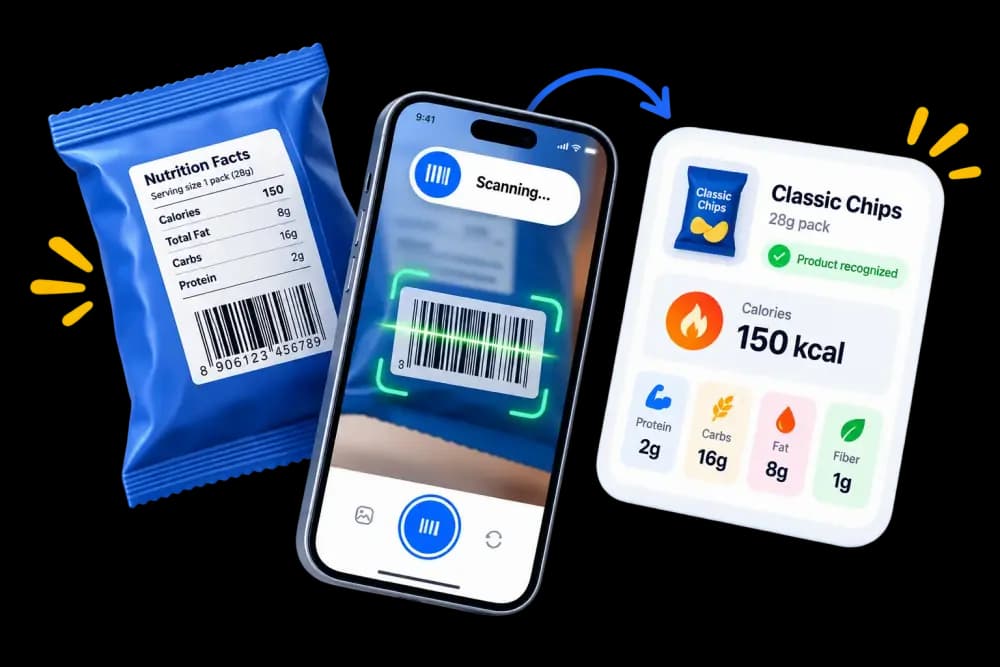
Scan a product barcode to look up nutrition information. Check the serving size against the package before adding it to your daily food log.
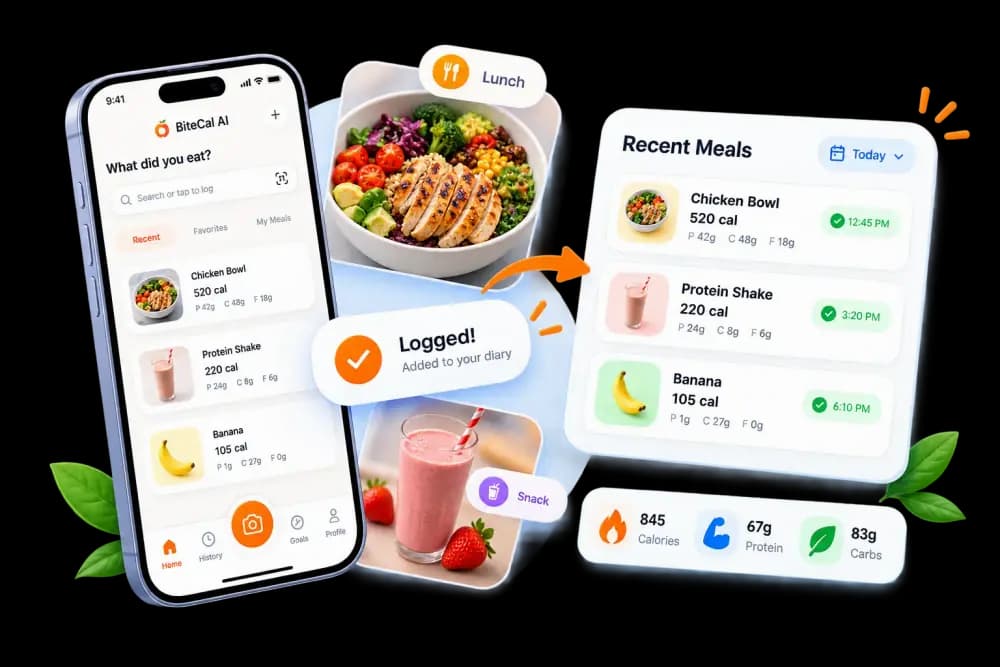
BiteCal remembers your frequent meals. Re-log anything from your history with a single tap.
See how a photo calorie counter starts your food log. Review each estimate; logging time varies by meal and method.

Start a food log with your camera, then review the calorie and macro estimates for your meal.
Practical checks for photo calorie tracking, food labels and everyday portions.
Include sides, drinks and toppings for a fuller meal estimate.
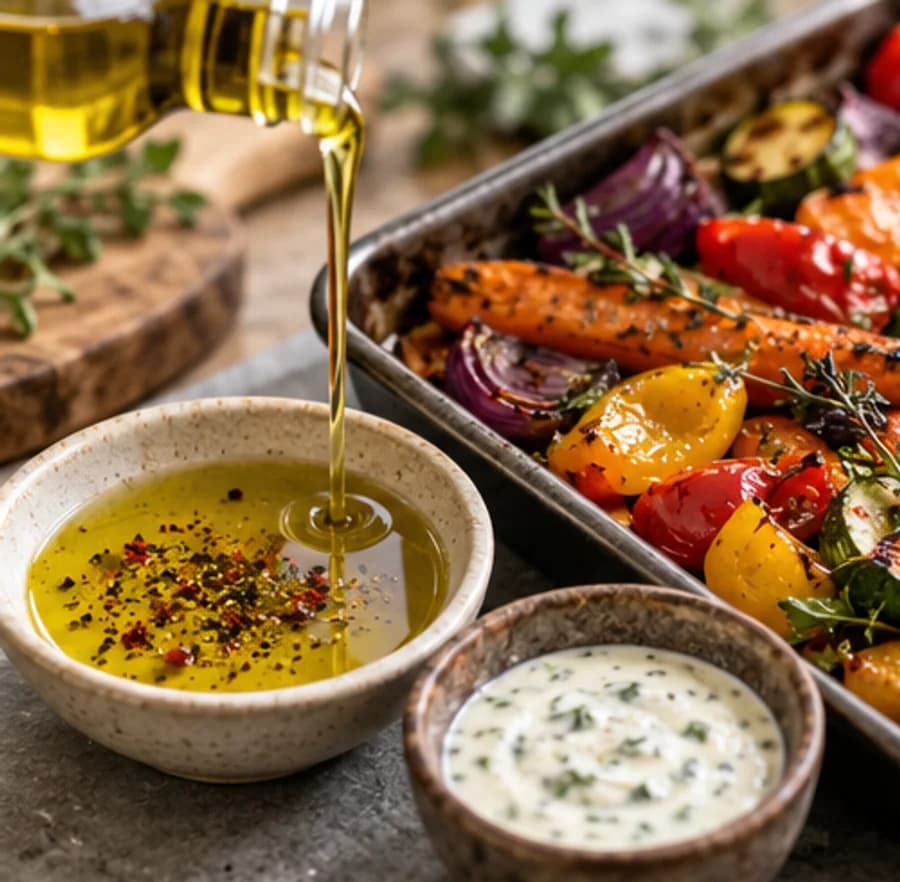
Add oils, butter and sauces that may not show in the photo.
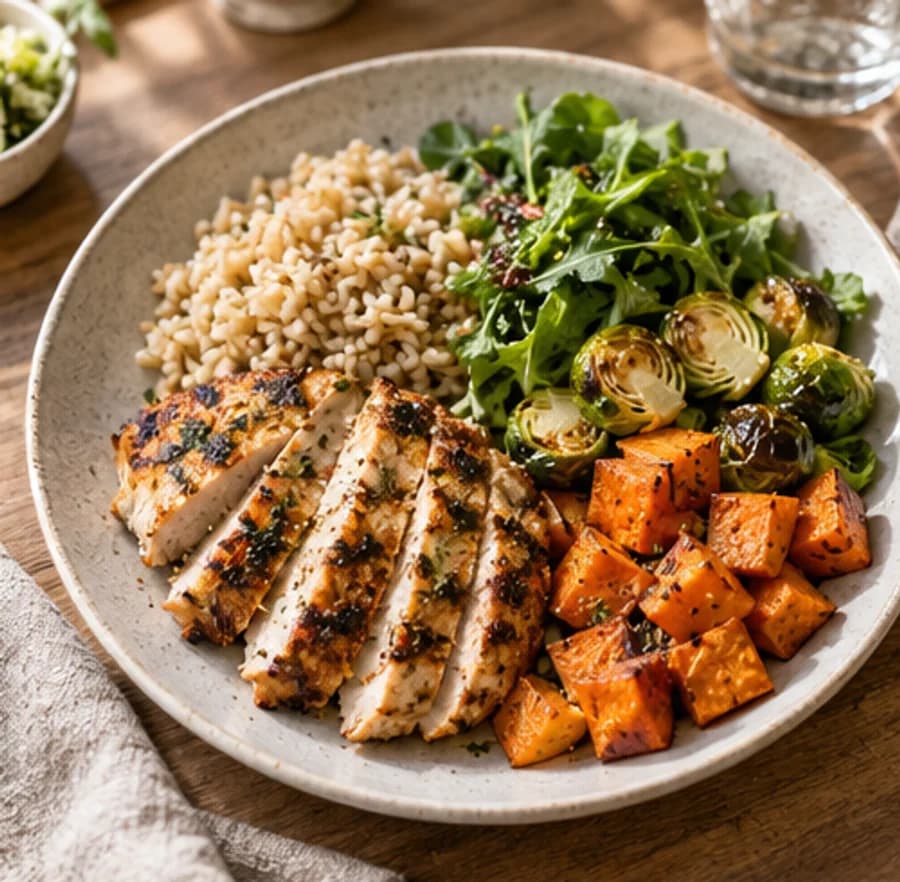
Compare the estimated serving with the amount you actually ate.
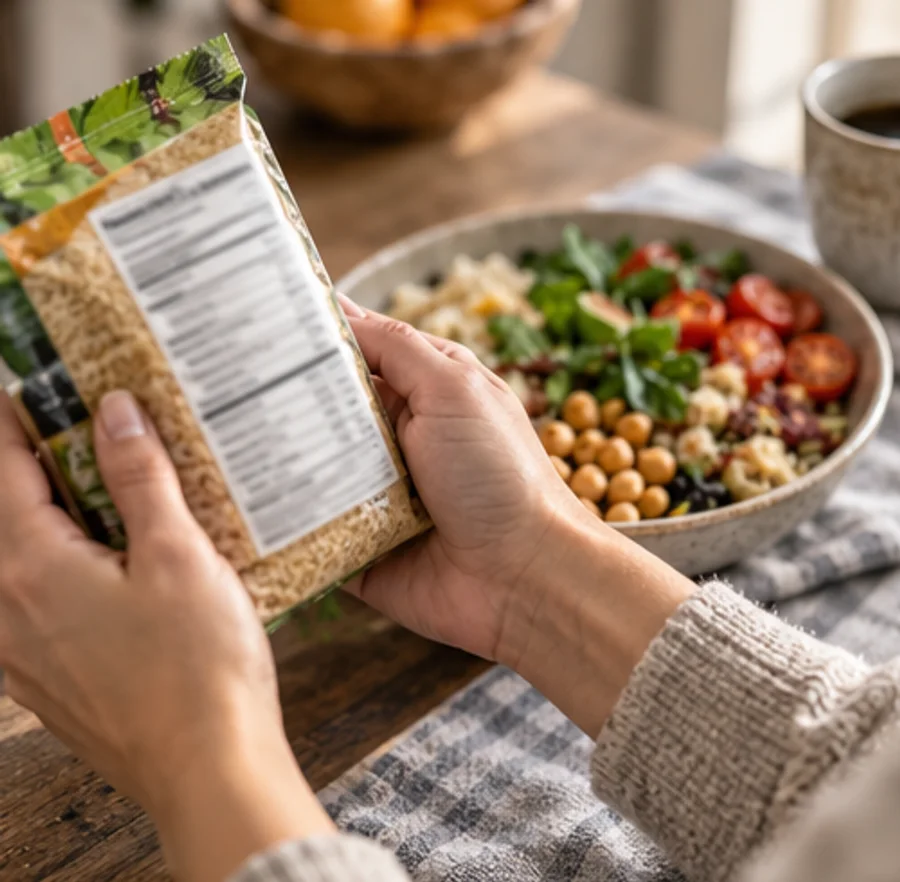
Check the package serving size and log the portion you ate.
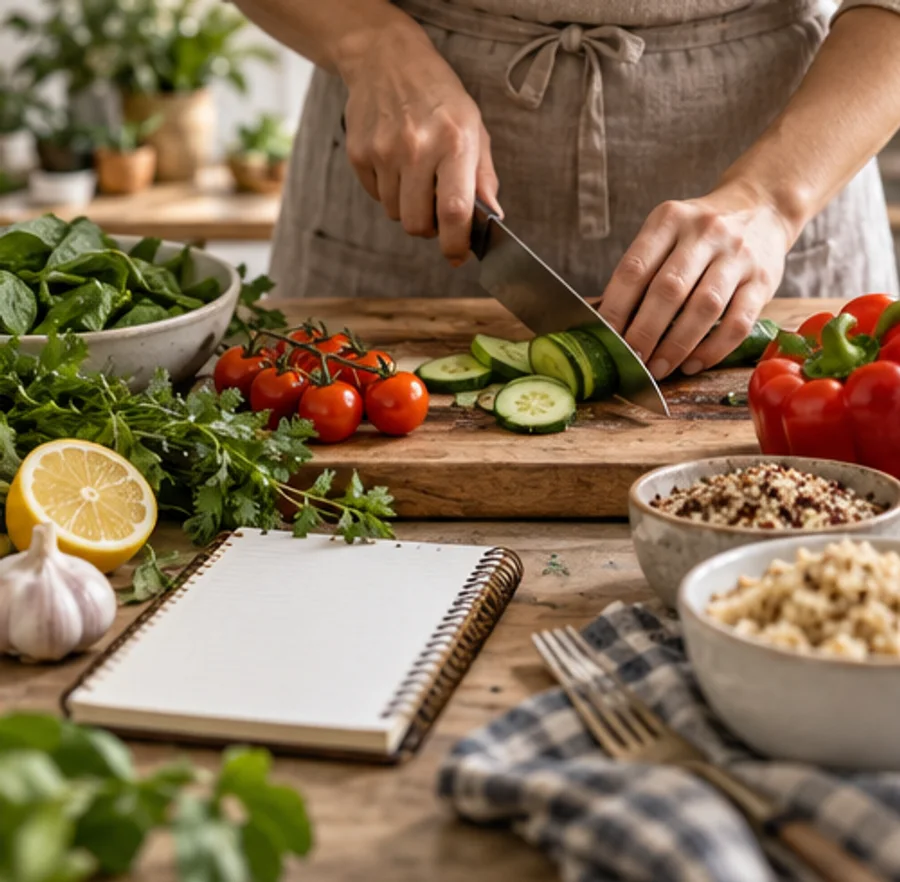
Log ingredients, divide by servings and note leftovers.
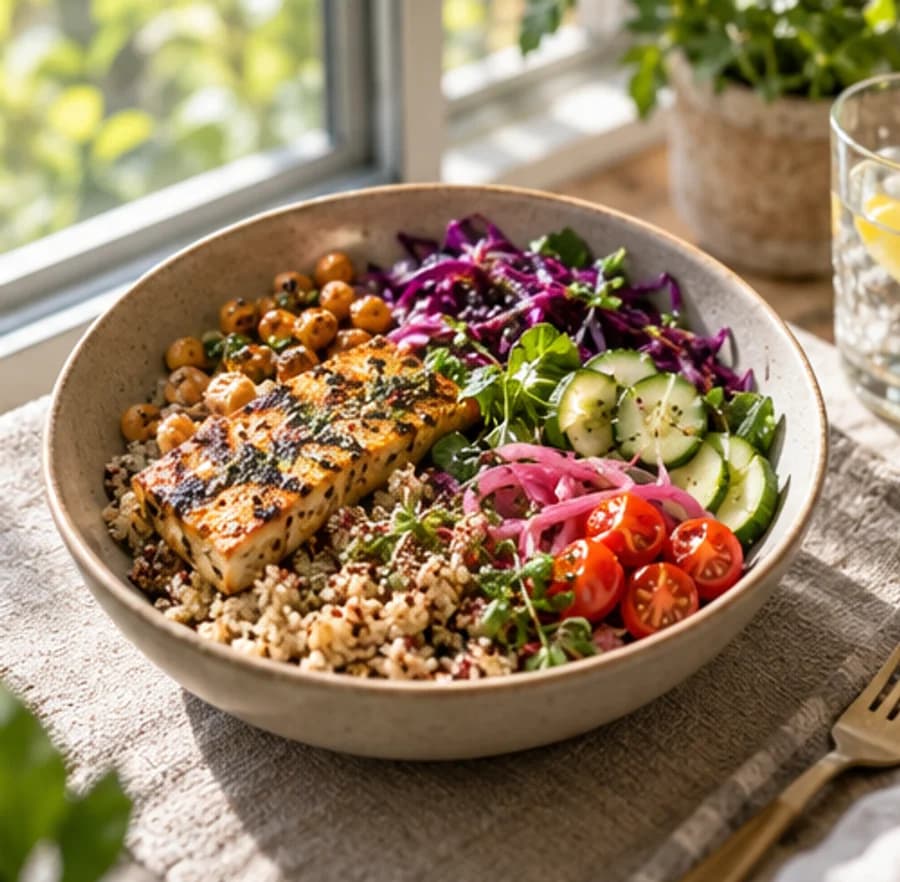
Review protein, carbs and fat. Recheck the food match and portion if totals seem off.
Photos help with visible meals. Food labels, recipes and database search are useful when you know the ingredients or quantities.
| Compare | Food labels | Recipe entry | Database search |
|---|---|---|---|---|
| Meal photo | Starting point | Package panel | Ingredients | Food search |
| Visible meals | Useful for | Packaged foods | Known recipes | Known foods |
| Review estimate | Portion check | Servings eaten | Share of recipe | Weight or serving |
| Oils and sauces | Extras to review | Added ingredients | Cooking fats | Preparation type |
| Hidden ingredients | Main limitation | Serving mismatch | Missing quantities | Food-match errors |
| Check food match | Before saving | Check quantity | Check portions | Check the entry |
Answers about the BiteCal calorie counter app, food scanning and daily targets.
Photo calorie estimates depend on visible foods, portion sizes and ingredients. Cooking oil, sauces and mixed dishes can be difficult to judge from a photo, so review the estimate before logging.
The BiteCal app is coming soon and is not published yet. Download buttons show a coming-soon notice until the official store link is available. Our website calculators and guides are free to use now.
BiteCal is being built for home-cooked meals, restaurant dishes and packaged foods across cuisines. Photo scans estimate calories and macros; recipes and serving sizes can change the result.
Our Privacy Policy explains how meal photos and account information are handled, including data retention, service providers and your privacy choices.
Start with the calorie calculator for an estimate based on your age and body size, using a fixed lightly active assumption. Then review your food diary and progress over time.
Photo Calorie Tracking for Everyday Meals
Review foods and portion estimates in seconds, tuned for real home cooking and dining out.